
Sync availability from your booking sites into one calendar
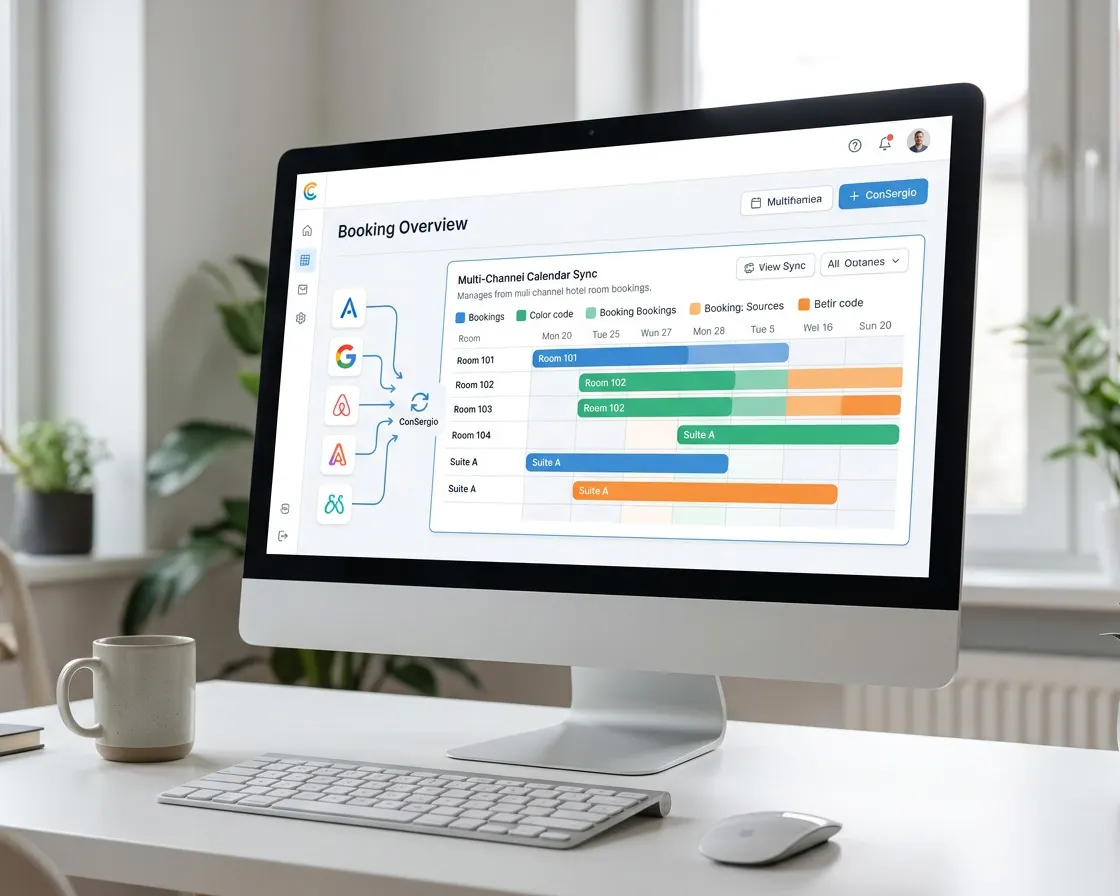
ConSergio imports the booked dates from the main booking sites through iCal and brings them together in your room calendar.
ReservationsThe Reservations module, added to any plan. See the plans
If you sell your rooms on several booking sites, every booking takes up a date that has to show on the other calendars too.
ConSergio uses iCal links to import the dates already taken and show them in the bookings calendar, room by room.
That way you have a single view of the property's availability, without checking each booking site separately.
One link for each booking site
Copy the booking site's iCal link
You find it in the booking site's calendar settings, usually in the section about syncing.
Add the link in ConSergio
Attach the link inside Reservations, the bookings module.
See the booked dates
ConSergio updates the calendar and shows which dates are free or taken, going by the booking site's latest data.
What gets synced?
- Booked datesThe dates show as blocked in the room's calendar.
- PricesPrices are not carried over by iCal.
- Guest detailsName, contact details and other booking data are not carried over by iCal.
ConSergio reads the portals' calendars again every hour. The portals do not see the nights you sell yourself in ConSergio, so you close those on the portals by hand.
iCal and a PMS are not the same thing
iCal mainly lets calendars share booked dates with each other.
An integration with a PMS, on the other hand, lets ConSergio talk to the property's management system and work with fuller information about rooms and bookings.
How the PMS integration worksSelling on more than one site?
Tell us which ones, and we will tell you how to keep them in line.